Introduction
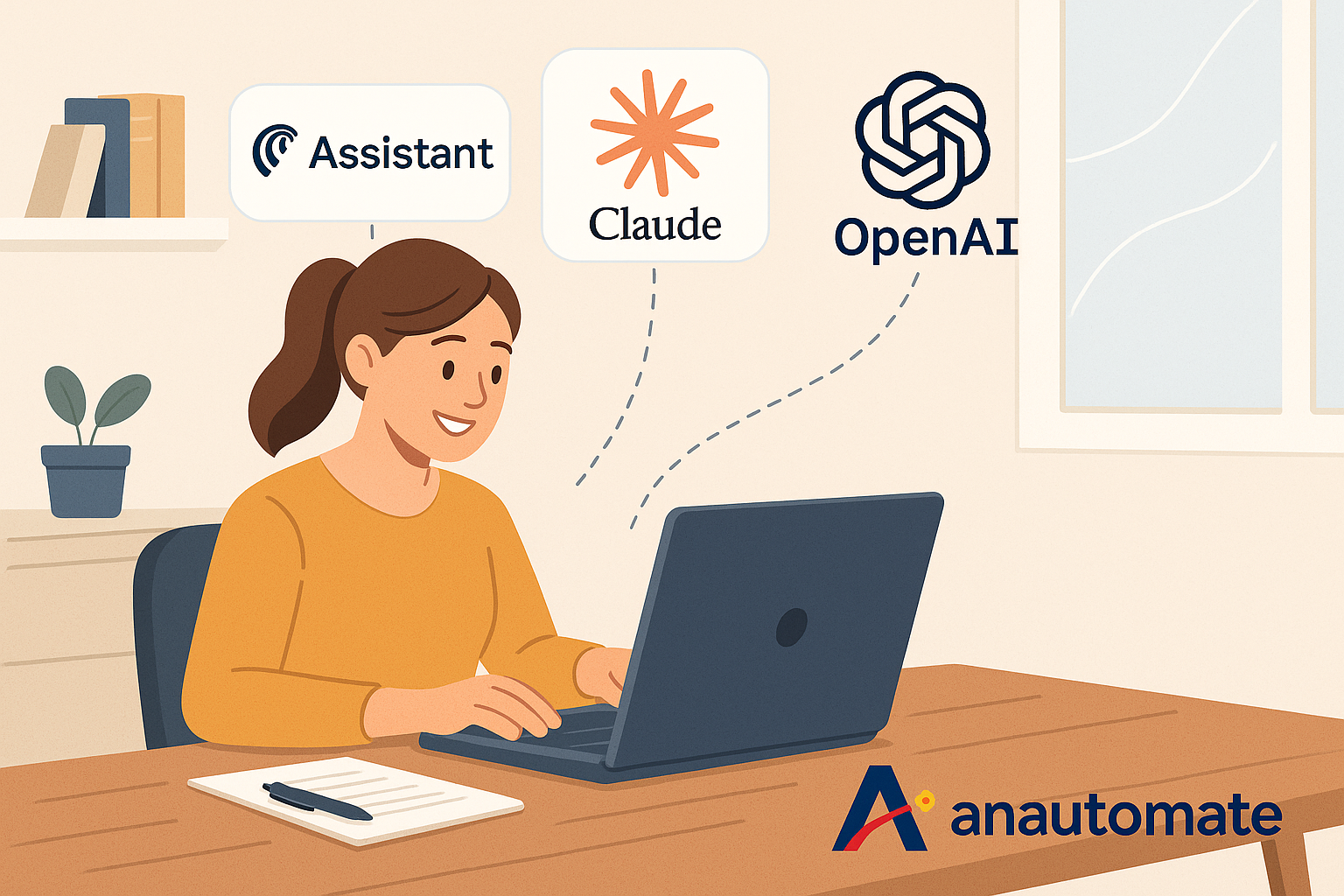
Running a small business often means being your own marketer, salesperson, admin, and strategist—all in one day. It’s rewarding, yes, but also relentless. AI automation for small businesses is no longer a futuristic dream—it’s available now through tools like Comet, Claude Skills, and Custom GPTs.
What if you could delegate some of those repetitive tasks… to AI?
The best part? You don’t need to know how to code. Just your business instincts, a Google Doc or two, and an openness to automation.
Today’s new generation of AI tools—Perplexity Comet, Claude Skills, and Custom GPTs—make it easier than ever to build personalized assistants tailored to your exact needs. In this blog, I’ll show you how to start using them today, share real-world examples, and explain how, as your Make.com consultant, I can help take it even further.
Let’s dive in.
Why AI Automation for Small Businesses Matters
These tools do different things, but they all support one goal: helping you work smarter, not harder.
Here’s a quick comparison:
These tools are perfect for entrepreneurs who’ve ever thought: “If only I had an assistant who understood my tone, my process, and my to-dos.”
How to Access Each Tool in Under 5 Minutes
Don’t worry, I won’t send you into developer territory. Here’s how you can get started, step by step:
🧠 Custom GPT (OpenAI)
• Go to chat.openai.com
• Click Explore GPTs on the left
• Click Create
• Add your instructions, upload sample docs, and save. That’s it!
💡 Use it to: Write blog posts, sales replies, or answer FAQs.
🔍 Comet Assistant (Perplexity)
• Visit perplexity.ai and log in
• Activate Comet (browser-based)
• It now helps you research, reply to emails, summarize content—all inside your tabs
💡 Think of it like: A smart coworker in your browser.
🛠️ Claude Skills (Anthropic)
• Head to claude.ai (Pro plan needed)
• Click on “Skills”
• Create a new Skill: add instructions, your tone, and examples
💡 Use it to: Auto-create decks, reports, or consistent content.
Everyday AI Use Cases for Founders & Small Teams
Here’s what these tools can do for you, today:
Use Case Table: What Task Fits Which Tool
Why This Isn’t Just About One Tool – It’s About a Mindset
Many founders start their AI journey thinking they’ll just “use ChatGPT.” But tools like Comet and Claude open up even more possibilities—if you know how to combine them.
But that’s where things can get tricky.
You might ask:
• How do I connect these tools with Google Sheets or email automation?
• Can I streamline everything into one workflow?
• What happens when I outgrow basic summaries?
That’s where I come in. At Anautomate, we specialize in AI automation for small businesses that need streamlined outreach, research, and reporting solutions.
How I (Your Consultant) Tie It All Together
You don’t just need a tool—you need a system. I work with small businesses to:
✅ Audit your repetitive tasks
✅ Identify which tool best suits the job
✅ Prototype AI workflows using your Google Docs, tone of voice, and assets
✅ When you’re ready, I help you layer in Make.com and other apps for advanced automations
🧭 I’m here to build your automation map—so your systems scale with your business.
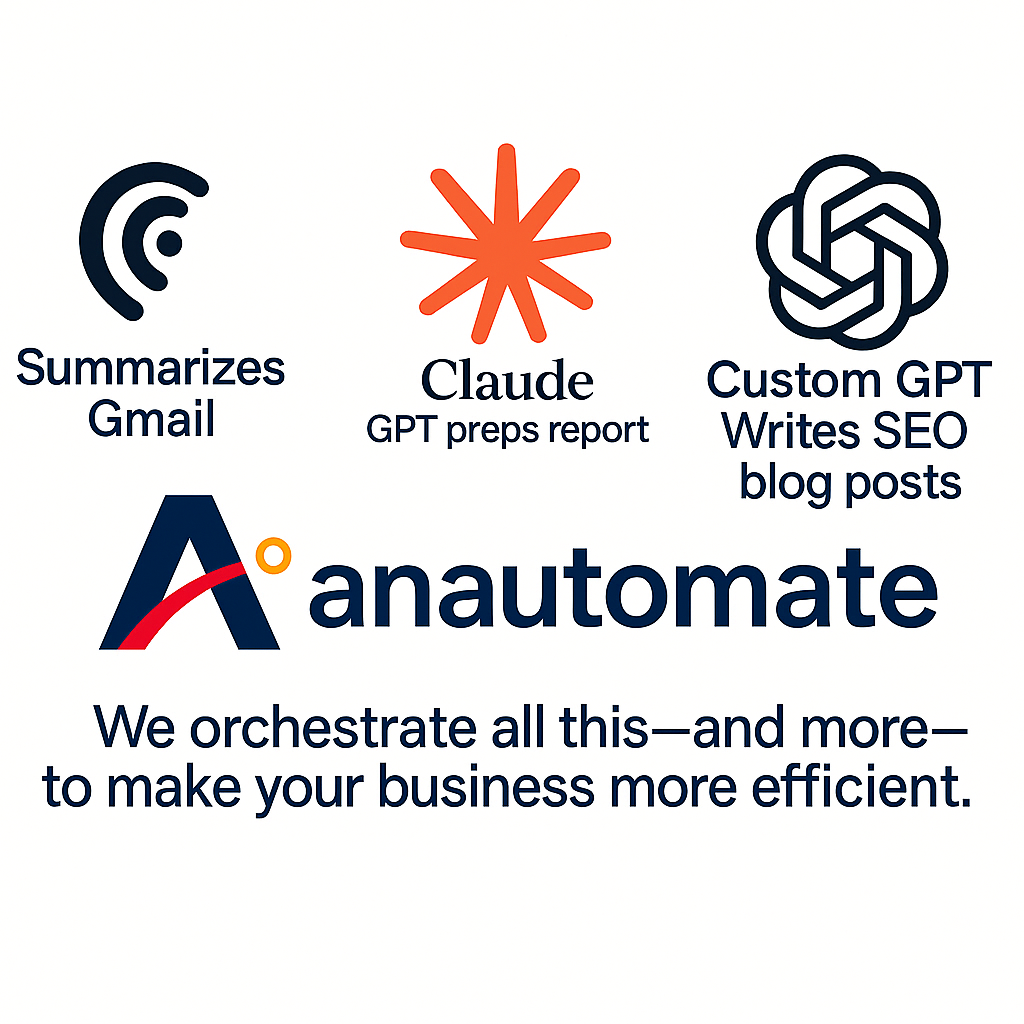
These tools don’t connect directly with each other yet—but that’s okay. Because you don’t just want a single app to do magic. You want a strategy that orchestrates multiple tools for consistent results.
How to Start Your ‘I Can Automate’ Journey Today
You don’t need to wait. You don’t need a tech degree. You don’t need to hire a team.
You just need:
• A task you do repeatedly
• A few documents or samples of how you do it
• The belief that “I can automate” – and someone to guide you
With tools like Comet, Claude Skills, and Custom GPTs, AI becomes a teammate. You don’t need big budgets—AI automation for small businesses can start with free or freemium tools like Comet and Claude. And with my help as a Make.com consultant, you’ll know how to scale it without getting stuck.
🎯 Recap: AI Automation for Small Businesses: Which Tool Should You Start With?
• Start with simple tools you already have access to
• Don’t get lost in settings—just use your own docs to train AI
• You can automate even if you’re a team of one
• When you’re ready to go further, I’m here to help connect the dots
✅ Let’s move you from “I’m doing everything myself” to “I can automate that.”
👉 Want a Free Audit of Your Workflows?
Let’s find your first automation win.
📩 Contact us: contact@anautomate.com
Visit anautomate.com to get started.